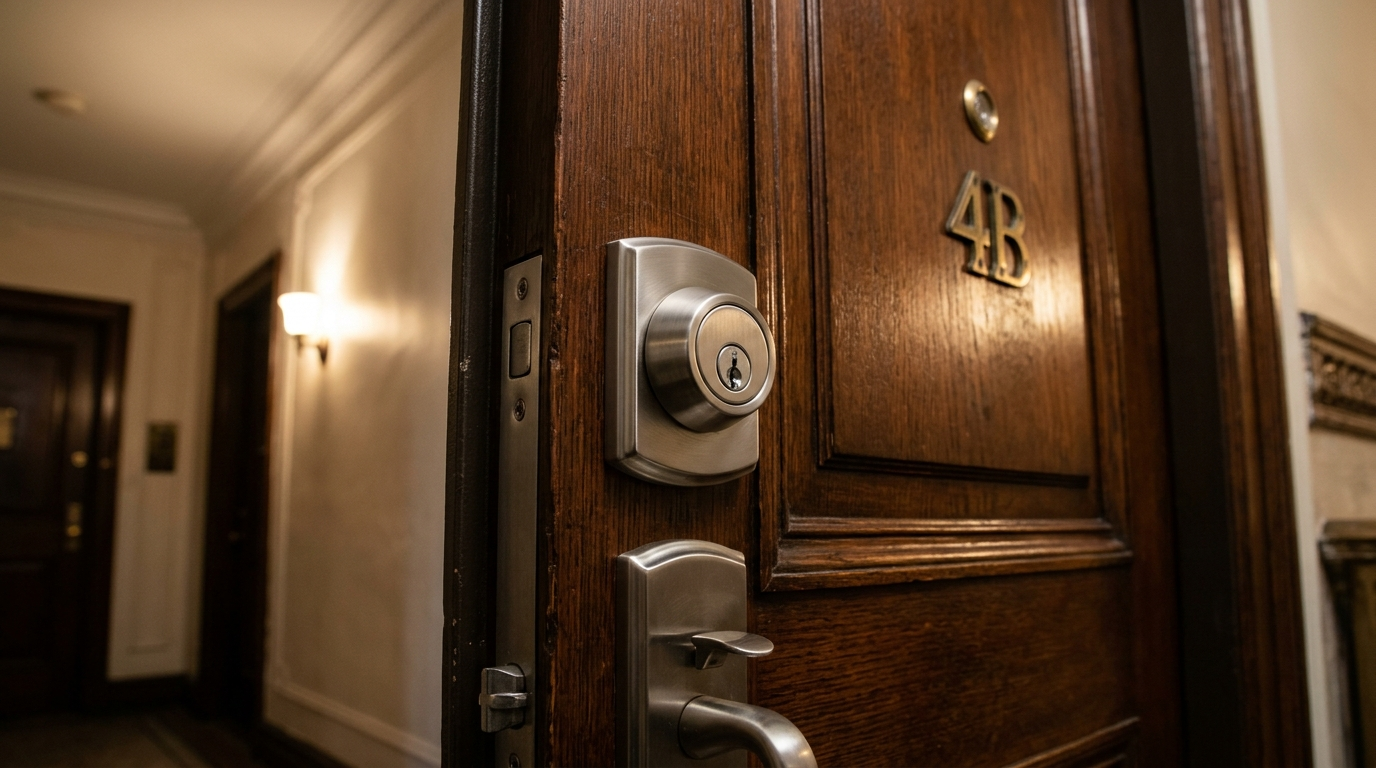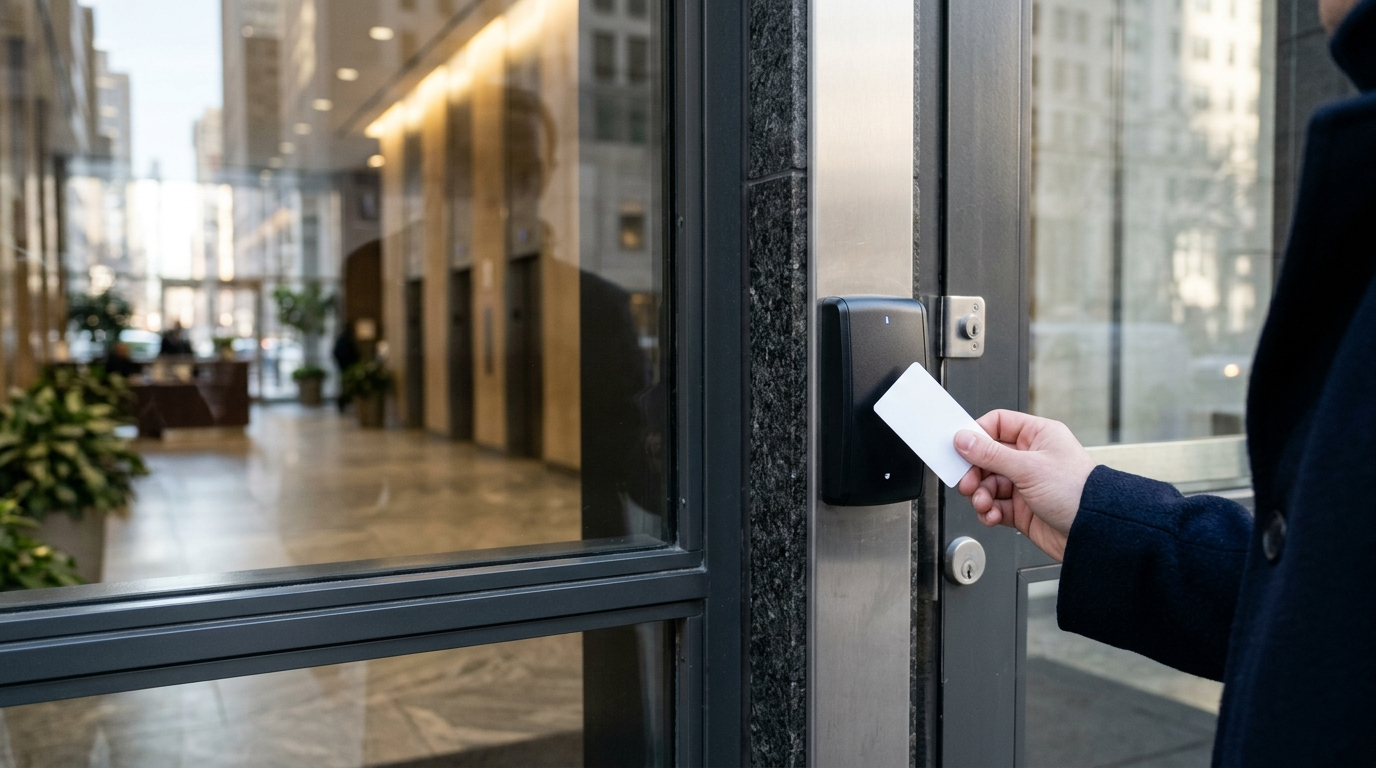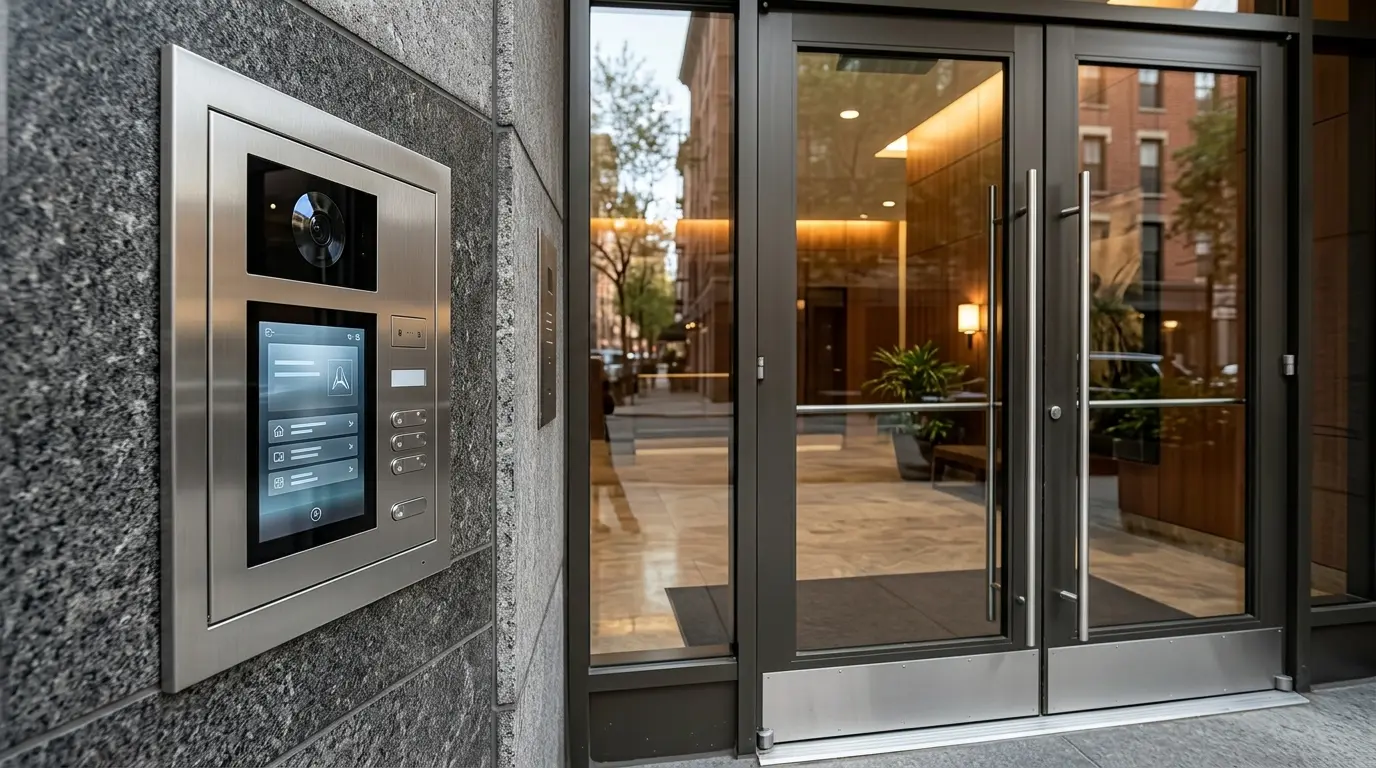
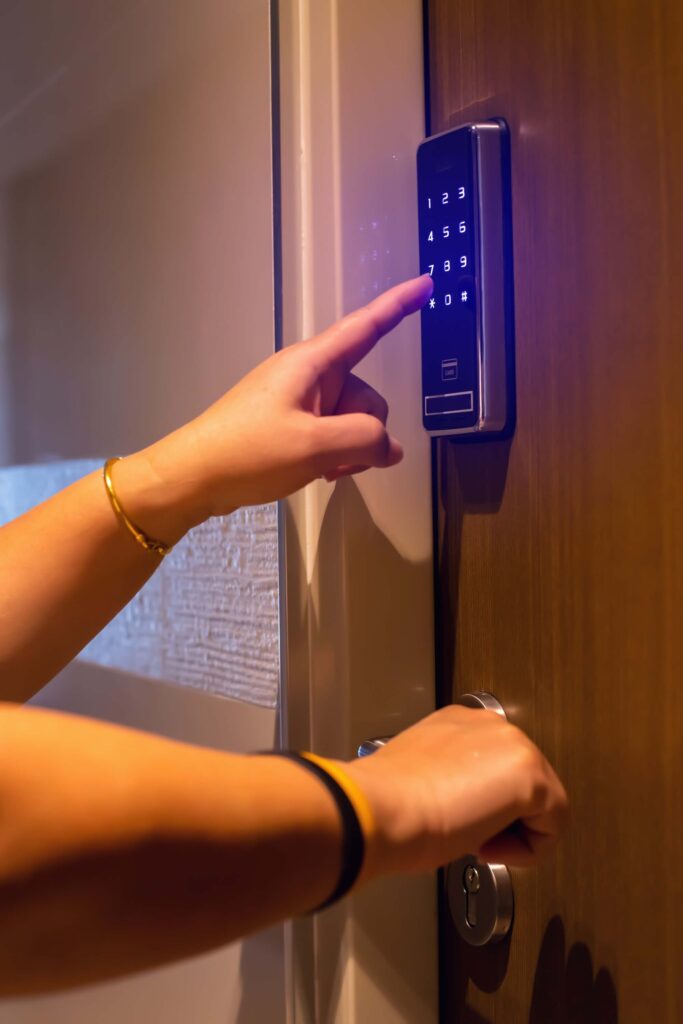
Not every smart lock that looks great online is right for your rental property. Some may damage the door, break your lease rules, or leave you stuck with a lock you can’t take when you move out. Which smart locks are actually worth installing before you move in?
Smart locks in NYC are becoming a practical upgrade for rentals because they offer keyless entry, temporary access codes, automatic locking, and remote control. The right model depends on your door, existing deadbolt, lease terms, building rules, and how much control you actually need. The best residential smart lock for you is not necessarily the one with the most features. Good rental lock should fit the existing hardware, provide a reliable backup entry method, protect your privacy, and be easy to remove when the lease ends.
What Should Renters Look for in a Smart Lock?
Choosing a smart lock for a rental is different from choosing one for a house you own. Permanent modifications may not be allowed, and building hardware can limit which models will fit. Focus on these features first:
- Easy installation: Look for a model that works with your existing deadbolt when possible.
- Keypad entry: Useful when you want to enter without carrying your phone.
- Physical key backup: Helpful if the battery dies or the app stops working.
- Temporary codes: Useful for roommates, cleaners, dog walkers, or trusted guests.
- Auto-lock: Prevents the common mistake of leaving the door unlocked.
- Remote access: Lets you check or control the lock when you are away.
- Door compatibility: Not every smart lock works with every NYC apartment door.
- Privacy controls: Access logs and user data should be handled responsibly.
Good to Know: NYC has specific rules for buildings that use smart access systems. HPD states that owners using keyless smart access must provide tenants with a data-retention and privacy policy, and certain authentication data generally must be destroyed within 90 days.
Quick Overview on Top Smart Locks in NYC for Rentals
Every renter has different needs. Some want to keep their existing keys, while others prefer fingerprint entry or a keypad. Start by checking how the lock is installed. Retrofit locks fit over compatible existing hardware, while full-replacement locks require removing the old deadbolt. Check your lease and building rules before choosing a lock.
| Smart Lock | Best For | Standout Feature | Installation Type |
| Aqara Smart Lock U200 | Multiple entry methods | Fingerprint, PIN, and Apple Home Key | Interior retrofit |
| Yale Approach Lock + Keypad | Keeping existing keys | Retrofit design | Interior retrofit |
| August Wi-Fi Smart Lock | App-based access | Built-in Wi-Fi on supported models | Interior retrofit |
| Schlage Encode Plus | Apple users | Apple Home Key and built-in Wi-Fi | Full deadbolt replacement |
| Yale Assure Lock 2 | Smart-home flexibility | Keypad or touchscreen options | Full deadbolt replacement |
| SwitchBot Lock Pro | Flexible retrofit access | Interior-mounted smart mechanism | Interior retrofit |
Top Renter-Friendly Picks Without External Changes Required
These models are worth considering when you want smart features without replacing the exterior lock hardware. Compatibility still depends on your existing deadbolt, and building rules may restrict even interior modifications.
-
Aqara Smart Lock U200
Best for Multiple Entry Methods
Do you want to unlock your door without carrying keys? Aqara Smart Lock U200 offers several entry methods in one setup. It fits over compatible deadbolts from the inside, so you may be able to keep the existing exterior hardware. The wireless keypad adds more flexibility. Depending on the configuration, you can use a fingerprint, PIN code, NFC, or Apple Home Key on compatible Apple devices.
Why it stands out: Fingerprint recognition is useful when your hands are full, while PIN codes can help household members who prefer not to use a phone.
Before buying, measure your existing deadbolt and confirm compatibility. The U200 does not fit every lock, and available entry methods depend on the setup. If you want multiple ways to unlock your door, this one is the best choice.
-
Yale Approach Lock + Keypad
Best for Keeping Existing Keys
Yale Approach takes a different approach to smart entry. Instead of replacing the entire deadbolt, it fits over a compatible interior thumb-turn. Your existing exterior keyway stays in place. That can be useful in rentals where you can’t change the exterior hardware. You can use the app for smart access and add a compatible keypad for entry without a phone.
What about moving out?
The retrofit design may make it easier to restore the original setup. Still, check your lease and ask your landlord before installing any lock. Compatibility also depends on the existing door hardware. Yale Approach makes the most sense for renters who want smart features without giving up their physical key.
-
August Wi-Fi Smart Lock
Best for Remote Access
Imagine leaving home and wondering whether you locked the door. August Wi-Fi Smart Lock lets you check and control the lock through your phone when remote access is properly configured. The interior-mounted design works with compatible single-cylinder deadbolts. Your exterior hardware and keyway remain in place, so the door looks largely unchanged from the hallway.
Features worth considering:
- Built-in Wi-Fi for remote access.
- Smartphone control for locking and unlocking.
- Automatic locking for everyday convenience.
- Optional keypad access through a compatible accessory.
The main limitation is that keypad entry may cost extra. Review the package details if you want guests or household members to enter without using the app.
-
SwitchBot Lock Pro
Flexible Retrofit Option
SwitchBot Lock Pro is worth comparing if you want to upgrade your existing lock rather than replace it. The mechanism mounts on the inside and operates compatible door hardware. Its accessory-based setup lets you add features as needed. However, the final cost and available functions depend on which accessories you choose.
Before ordering, check whether your deadbolt is compatible and whether the setup requires a separate hub for remote access. Confirm the keypad’s supported entry methods, if you want fingerprint or PIN-code access. Unlike a complete lock replacement, this approach focuses on adding smart controls to existing hardware. That may appeal to renters who want to keep the exterior lock unchanged.
Top Full-Replacement Picks with Landlord Permission Required
Full-replacement smart locks remove the existing deadbolt or lockset. These models can offer convenient access features, but tenants should obtain permission before changing the hardware and confirm how the original lock will be restored when the lease ends.
-
Schlage Encode Plus
Best Overall for Apple Users
For renters who have permission to replace their deadbolt, Schlage Encode Plus offers convenient access without relying on a phone app for every entry. Compatible iPhone and Apple Watch users can unlock the door with Apple Home Key. The built-in Wi-Fi also supports remote control through the Schlage Home app. Three features make this lock stand out:
- Apple Home Key: Unlock the door with a compatible Apple device.
- Built-in Wi-Fi: Lock or unlock the door remotely.
- Access-code management: Create and manage codes for household members.
Keypad entry provides another option when your phone is unavailable. Activity history and automatic locking add further convenience. The main drawback for renters is installation. Schlage Encode Plus replaces the existing deadbolt, so you should get landlord approval before making the change. Check the door measurements and building rules, too.
-
Yale Assure Lock 2
Best for Smart-Home Flexibility
Yale Assure Lock 2 gives you several configurations to consider, including keypad and touchscreen versions. Supported features vary by model, so compare the specifications before choosing one.
| Feature | What to check |
| Entry method | Keypad, touchscreen, or other supported options |
| Smart-home control | Compatibility with your preferred platform |
| Remote access | Whether the model needs Wi-Fi or an additional module |
| Physical key | Whether the version includes a traditional keyway |
| Automatic locking | Whether the feature is included in your chosen model |
The range of configurations can be useful if your household has different access preferences. Someone who wants a simple keypad may not need the same setup as someone who wants app control and smart-home integration. Yale Assure Lock 2 is worth considering if you want to match your lock’s features to an existing smart-home setup rather than pay for functions you will not use.
Before you buy: Confirm that the exact version works with your preferred smart-home platform, fits your door, and includes the features you need. Since this is a deadbolt replacement, check your lease and get approval before installation.
Essential Smart Lock Rules Every NYC Renter Should Know Before Installation
Installing a smart lock in an NYC rental takes more than choosing a model with useful features. Your lease, building rules, and existing door hardware can affect which locks you can install. Follow these essential rules to protect your security and avoid problems when moving out.
- Check your lease first: Review your lease and ask your landlord for written permission before replacing a deadbolt or changing exterior hardware. Retrofit locks may be a better option, but compatibility and building rules still matter.
- Keep the original hardware: Store the old lock, screws, and other removed parts in a safe place. You may need them to restore the door before moving out.
- Always have a backup entry method: Batteries die, phones run out of power, and Wi-Fi can fail. Choose a lock with a reliable backup, such as a physical key or keypad, and understand how to use it.
- Protect your access codes: Avoid sharing permanent codes with visitors or service providers. Use temporary codes when supported, and remove access for people who no longer need it.
- Check building requirements: Some NYC buildings have specific rules for door hardware, exterior appearance, or access systems. Confirm the requirements before purchasing a lock.
- Review privacy settings: Check what information the lock’s app collects and how access records are stored. NYC’s Tenant Data Privacy Law may apply to certain building access systems, so review the rules relevant to your building.
- Test the lock before relying on it: Check the keypad, app, backup entry method, and automatic-locking settings after installation. Make sure the door closes and locks properly without forcing the deadbolt.
Smart Locks and Move-In Day
Install or check the lock as part of the move-in process, not an afterthought. Use this quick checklist when moving into an NYC rental:
- Check the existing lock and deadbolt.
- Confirm your lease or building rules before changing hardware.
- Verify the smart lock is compatible with the door.
- Install the lock according to the manufacturer’s instructions.
- Test the physical key if the model retains one.
- Create your personal access code.
- Remove old codes from previous occupants.
- Set up auto-lock if you want the feature.
- Turn on low-battery and security notifications.
- Store emergency access information somewhere safe.
Move-In Note: Never assume a reset smart lock has actually removed every previous user. Check the app, access-code list, and administrator accounts before relying on the new setup.
Final Thoughts: Choose the Right Smart Lock for Your NYC Rental
The best smart lock for an NYC rental fits the door, meets the building’s requirements, provides dependable entry, and offers only the features you will actually use.
Schlage Encode Plus stands out for Apple users who want Home Key and robust app controls. Yale Approach works well for renters who prefer a retrofit design and keypad access. August remains a strong option for flexible smartphone, keypad, and remote access.
Need a smart lock installed or your existing lock upgraded? Alto Locksmith & Security Manhattan helps NYC renters, landlords, and property managers with lock installation, replacement, rekeying, and security upgrades. Contact our team to discuss your door hardware, find the right security solution, and make your property safer and more convenient to access.
Frequently Asked Questions
Are smart locks allowed in NYC rentals?
Smart locks can be used in NYC rentals, but installation may depend on the lease, landlord, building rules, and existing door hardware. Tenants should confirm the requirements before replacing or modifying a lock.
What is the best smart lock for a renter?
No single model is best for every rental. Schlage Encode Plus suits Apple users, while Yale Approach and August models are strong choices for renters looking for retrofit installation and keypad or app-based access.
Can I keep my existing key with a smart lock?
Some retrofit smart locks are specifically designed to work with the existing deadbolt and key. Compatibility must be checked before installation.
Do smart locks work when the Wi-Fi goes out?
Many smart locks can still be operated locally through a keypad, Bluetooth connection, or physical key, depending on the model. Remote features generally require an active internet connection.
How often do smart lock batteries need to be replaced?
Battery life varies by model, usage, connectivity, and environmental conditions. Checking the manufacturer’s specifications and responding to low-battery alerts can help prevent lockouts.
Should a renter install a smart lock themselves?
Simple retrofit models may be designed for DIY installation, but complicated or incompatible doors are better handled by a locksmith. Professional installation also helps ensure the lock, deadbolt, strike plate, and door alignment work together correctly.